As-Built LiDAR Measuring & Permit Base Plans BC
Before the Order — Know What You're Working With
Avoid enforcement situations entirely with a free feasibility study before you build.
- Change of Use Verification
- Occupancy Classification Check
- Accessibility & Washroom Review
- Fire & Life Safety Analysis
- Sprinkler & Fire Rating Check
- Consultant Coordinator
- 360° LiDAR Site Scanning
- As-Built Architectural Drafting
- Revit Digital Twin Generation
- Commercial TI & Renovation Design
- BC Building Code & Zoning Audit
- Municipal Permit Submission
- Non-Conforming Review
- Setback & Coverage Check
- Structural Potential Assessment
- Energy Step Code Impact
- Consultant Requirements
- Cost-Saving Strategy
Path to Building Permit Approval
From 360° LiDAR scanning on day one to municipal building permit approval — every step is covered.
360° LiDAR Site Scan
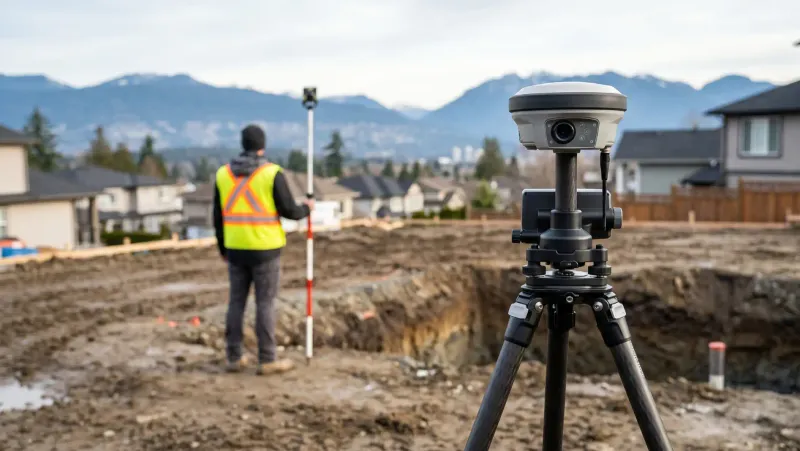
Our technician captures thousands of laser measurements per second, creating a millimeter-accurate 3D digital twin of your existing space — far faster and more precise than traditional tape-measure methods.
As-Built Drafting & Revit Model
We import raw point cloud data into Revit to produce clean base building floor plans, interior elevations, structural drawings, and fully editable AutoCAD (DWG) files for your designer or contractor.
Renovation & TI Permit Design
Our design team overlays proposed layout modifications on the as-built base, checking BC Building Code compliance, fire separations, travel distances, and Step Code energy targets.
Municipal Permit Submission
We assemble the complete permit drawing package, handle city portal submission, and resolve municipal review comments until your building permit is approved.
Proven As-Built Track Record Across BC
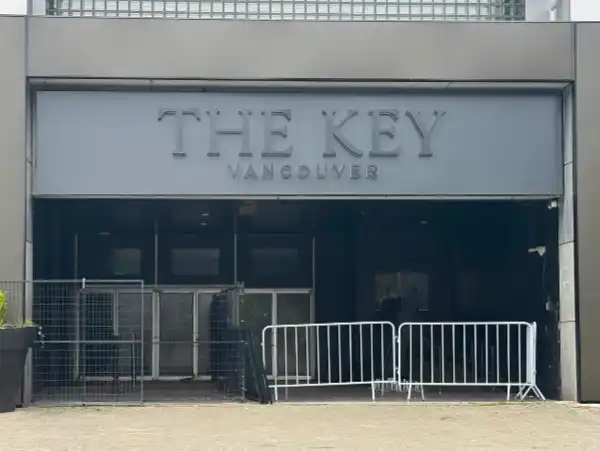
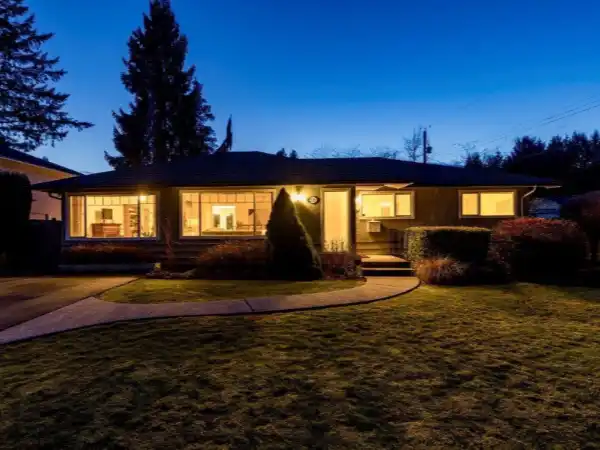
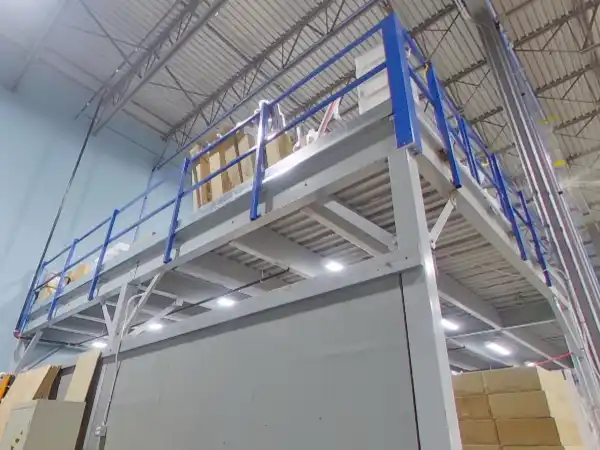
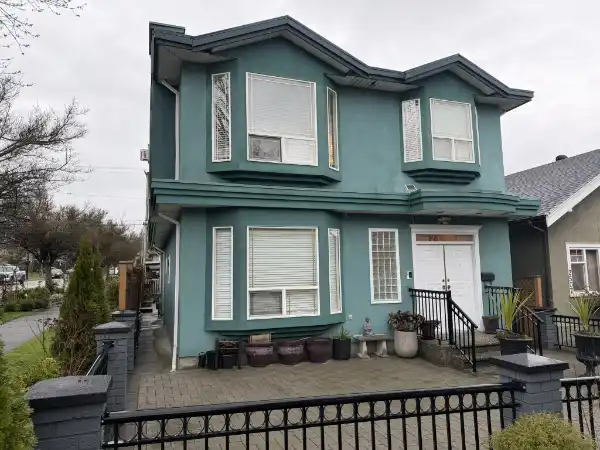
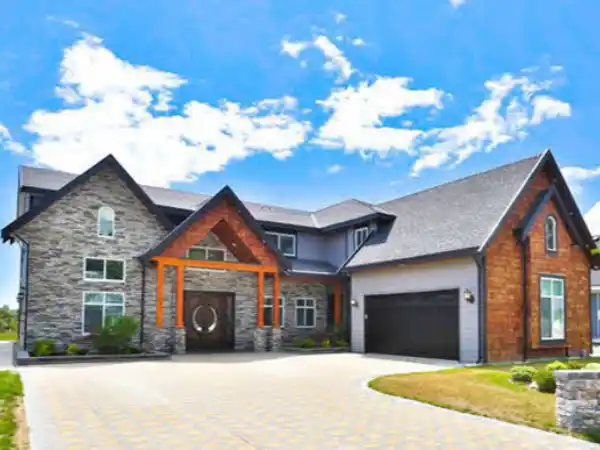
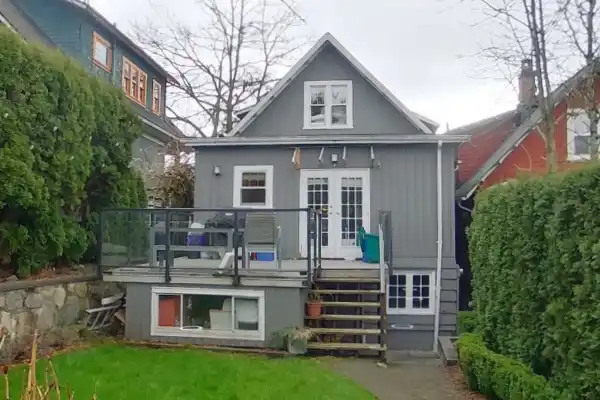
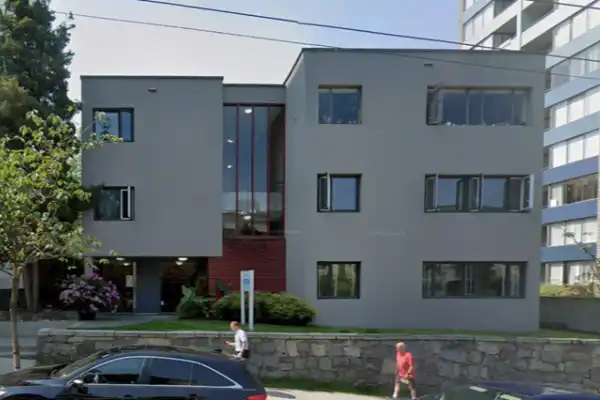
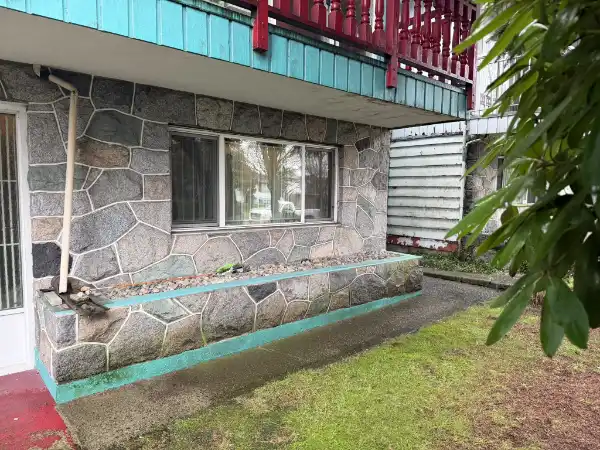
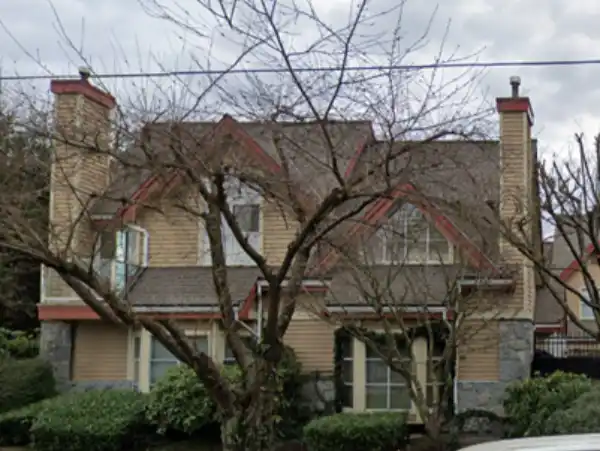
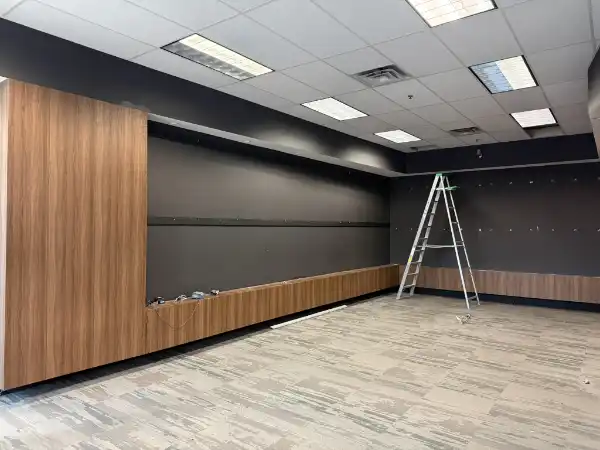
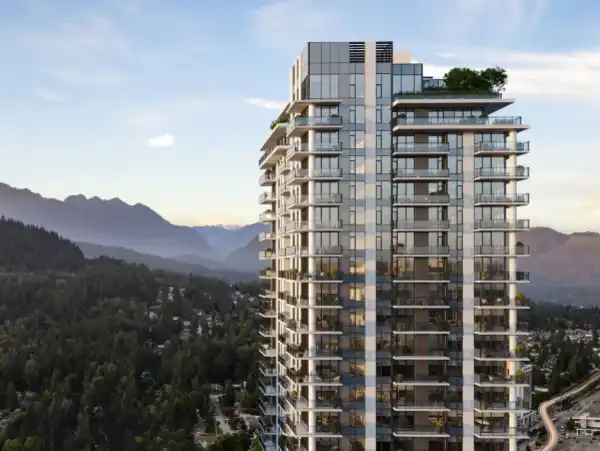
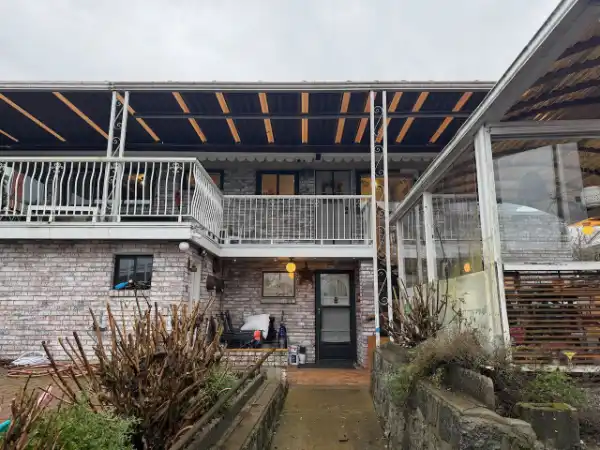
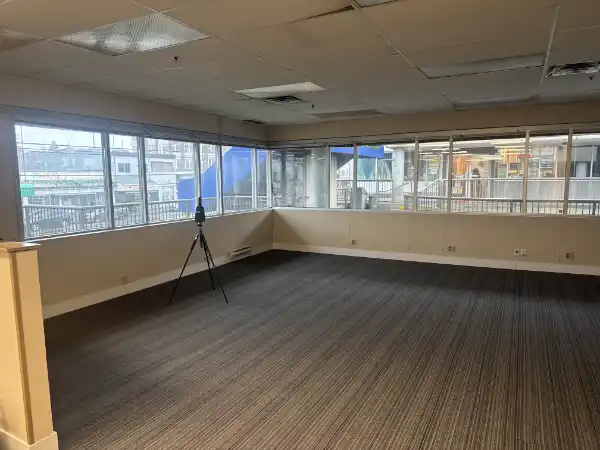
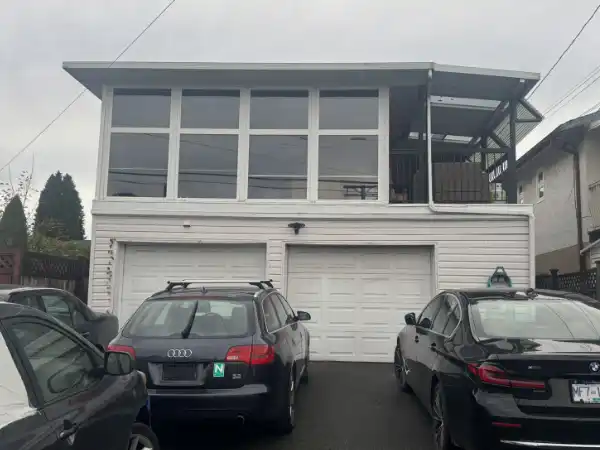
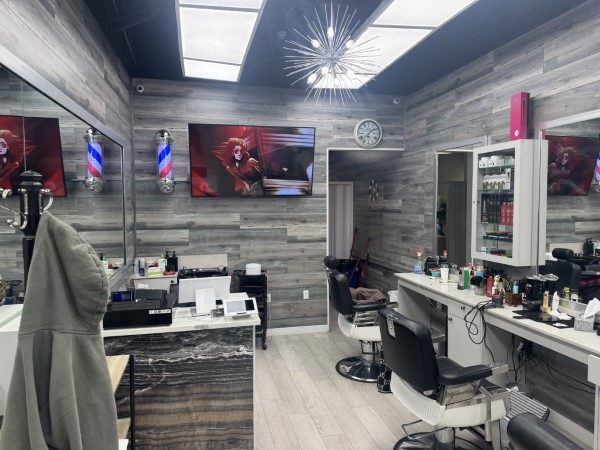
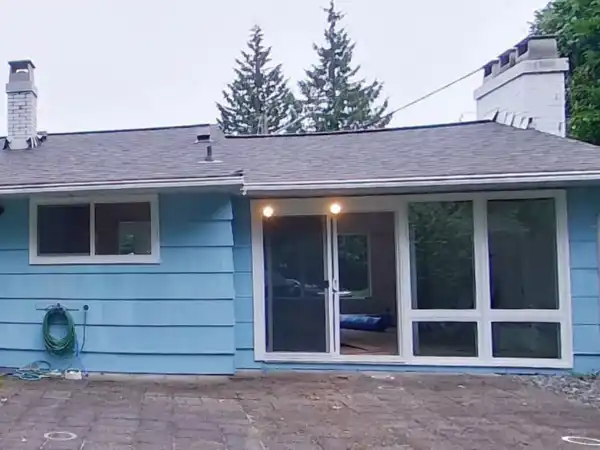
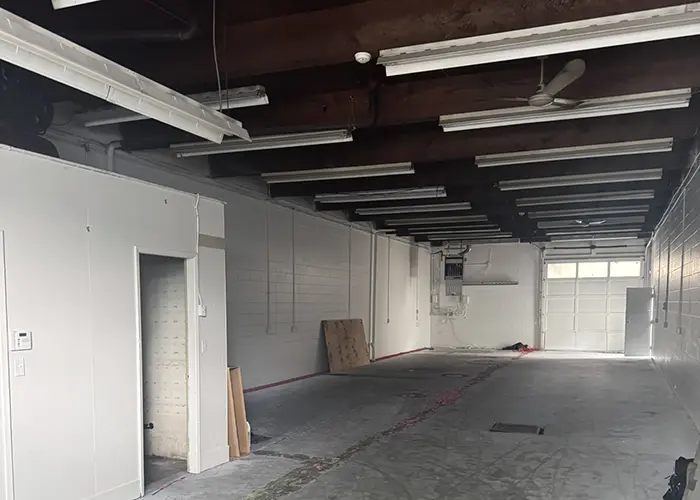
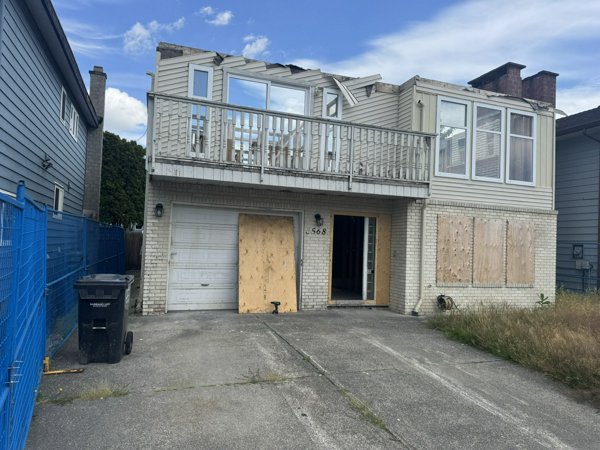
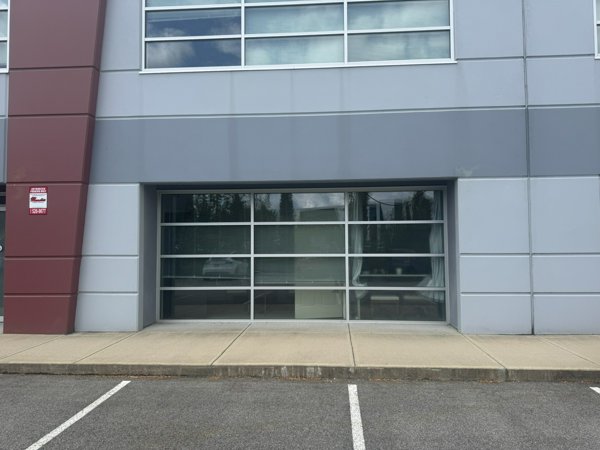
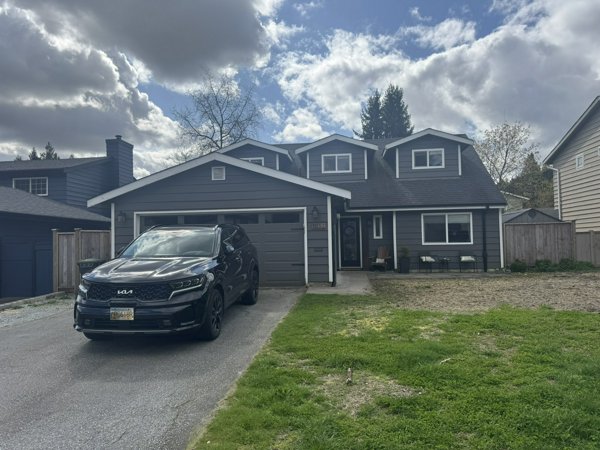
We have helped homeowners and commercial tenants across BC capture accurate existing conditions, avoid permit rejections, and kick-start their renovation and TI projects on solid footing.


Why Accurate As-Builts Are Mandatory for BC Permits
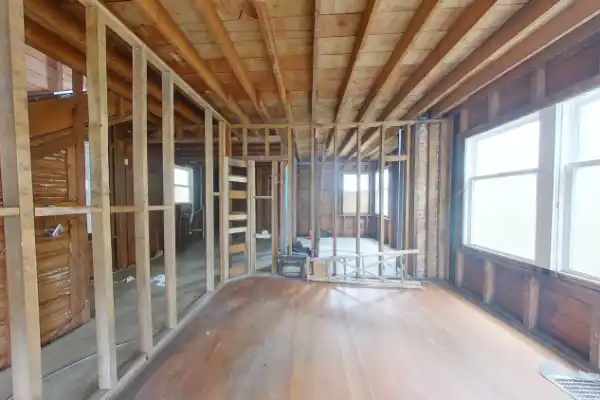
Any major renovation, home addition, or commercial Tenant Improvement requires an accurate set of base drawings before you can apply for a building permit. Municipalities in Metro Vancouver and across BC will immediately reject a permit application if the existing conditions are assumed or inaccurate.
We use a 360° LiDAR Scanner — a tripod-mounted device that shoots thousands of laser pulses per second to capture every wall, door, window, column, and structural beam with millimeter accuracy. We then import this point cloud into Revit to produce fully layered AutoCAD floor plans, elevations, and sections — in PDF, DWG, or RVT format.
From scope definition to final file delivery, our 4-step process sets up your renovation or commercial TI permit application on a solid, undeniable foundation of data. Wondering when a simple tape measure or phone app is sufficient versus when a professional survey is needed? Explore our DIY As-Built Measuring Guide for practical measuring tips and time-vs-money trade-offs.
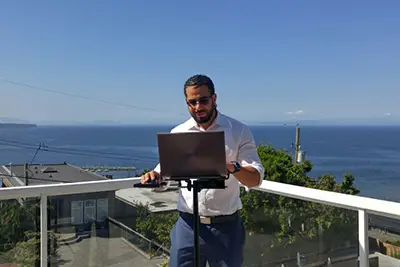
"Municipalities will reject permit applications the moment they detect assumed or inaccurate existing conditions. A 360° LiDAR scan eliminates that risk entirely."
 Edward Vega, Founder
 Get an As-Built & Permit Proposal
Ready to get started? Send us your project details below for a free feasibility review and upfront fixed-fee proposal covering LiDAR scanning and permit drawings.
Phone
Business Hours
Weekdays: 8:30 AM - 5:00 PM
Weekends: Closed
Stat Holidays: Closed
Professional Standing
• ASTTBC Registered Technology Practice
• WorkSafeBC Active Safety Coverage
• Errors & Omissions (E&O) Insured (Gallagher Canada)
As-Built Measuring & Permit Resources
Explore our complete guide on 360° LiDAR scanning, point cloud data, AutoCAD deliverables, and when As-Built measurements are required for BC building permits.
Why Accurate As-Built Measuring Prevents Costly Permit Delays in BC
Learn when As-Built LiDAR scanning is required, how 3D point cloud data compares to traditional tape measuring, and why the difference between an As-Built Survey and a Land Survey matters for your BC building permit.
Your City, Our Expertise
Each municipality has its own bylaws, quirks, and submission preferences. We've worked with them all — and we know what each one wants before you even apply.
Is your city not listed? Contact us to learn if we serve your area!
Frequently Asked Questions
Still have questions?
Our team is ready to help clarify any details about your specific project.
Ask Us AnythingPlease wait while we load the FAQs.
Still have questions?
Our team is ready to help clarify any details about your specific project.
Ask Us Anything